
Brand guide
RealTruck Tonneau Covers
“RealTruck tonneau cover” can refer to the seller, a brand in its catalog or the name on a particular listing. Find the underlying family before comparing covers or ordering replacement hardware. An invoice that says RealTruck may still describe a BAKFlip, TruXedo, Gator or another distinct design.
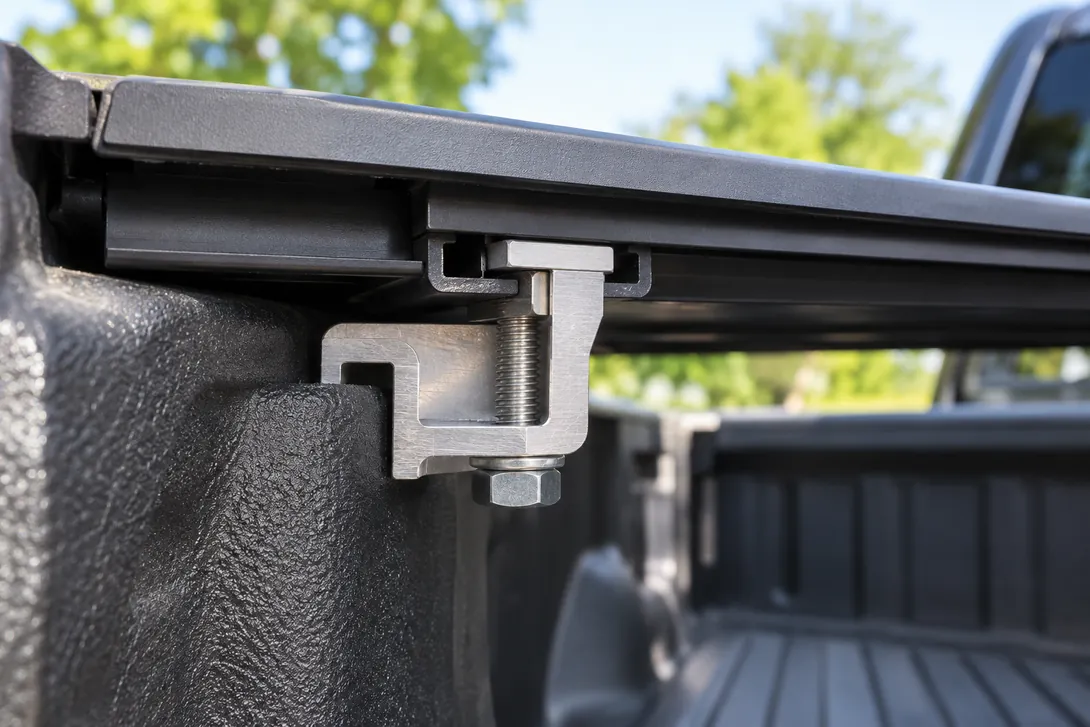
Read the order from broad to specific
Start with the brand, then the series, version, actual item number and truck selected at checkout. Compare these with the label on the underside. This is especially helpful for secondhand purchases and for covers listed on more than one retailer's site.
Follow the product family
Folding and rolling covers can share a retailer without sharing a single replacement part. RealTruck's replacement catalog groups items by brand and component, including seals and drainage hardware. Use the manufacturer family as the first filter, then the part's position.
| Your situation | What to check |
|---|---|
| Want a rigid folding top | Compare named folding models with matching vehicle fit. |
| Know the part shape but not the name | Find the cover ID, then compare a diagram. |
| Looking for a past order | Use the order number and the seller's customer-service route. |
Check more than the selected vehicle
A matched truck filter is useful for finding candidates. Open the individual product and read the application row, liner or track exclusions, installation document and kit contents. Save the SKU for the specific configuration, not just a link to the category.
Worked example
Finding the right replacement from an old order
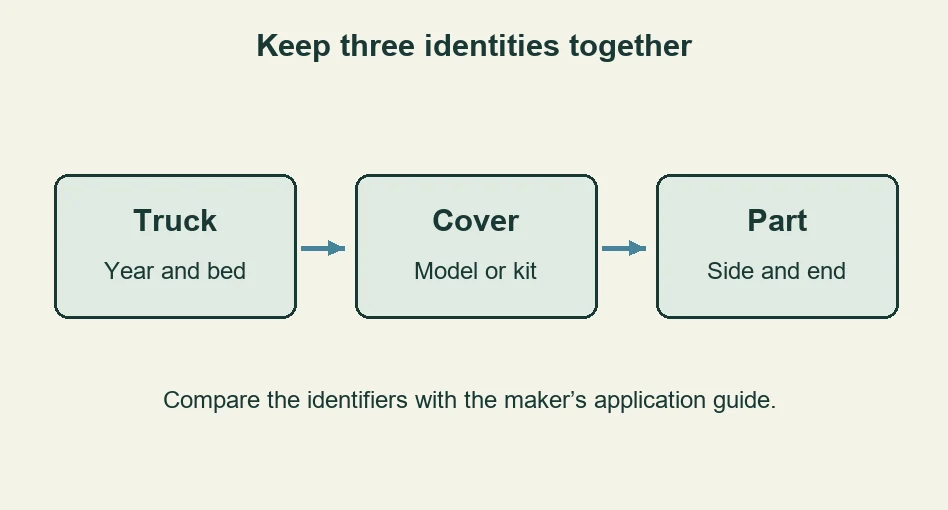
An order confirmation says RealTruck, and a small piece of the rear latch has broken. Open the order details and look for the cover maker, series and item number. If the underside label matches that item, search the replacement catalog for the named series and compare the diagram with both ends of the failed part.
If the label names a different cover, the truck may have received another top since that order. Photograph the actual label and the intact opposite latch, then ask the brand’s support team which assembly to order. Keep the retailer order number handy for questions about the original transaction.
- Record the variation
- A model suffix or generation can change which latch the catalog returns.
- Mark the installed position
- Tell support which side failed and whether it sits toward the cab or tailgate.
Contact the right team
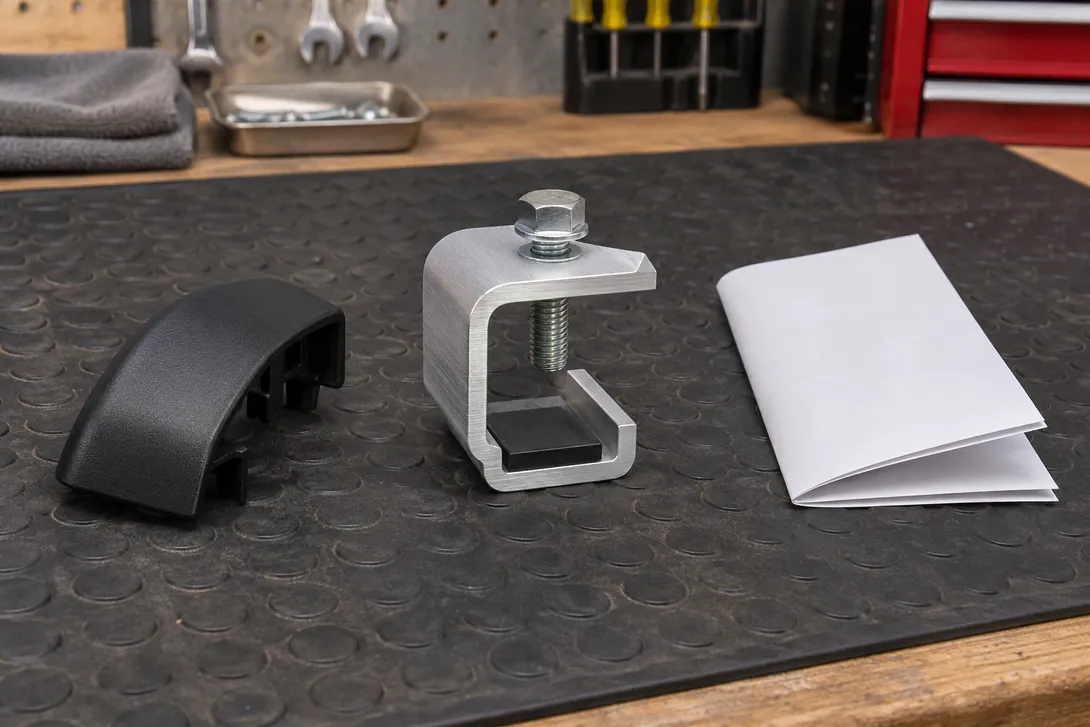
RealTruck's contact page separates general order help from warranty and technical support for RealTruck-brand products. Provide the order number for a shipment issue. For a fit or part issue, add the series, vehicle, part number and photos of the affected mount.