
Model guide
UnderCover FLEX Tonneau Cover Guide
UnderCover FLEX is a rigid folding cover for loads that alternate between covered storage and full bed length. Identify the FLEX variant before comparing wear surfaces or slide-in hardware.
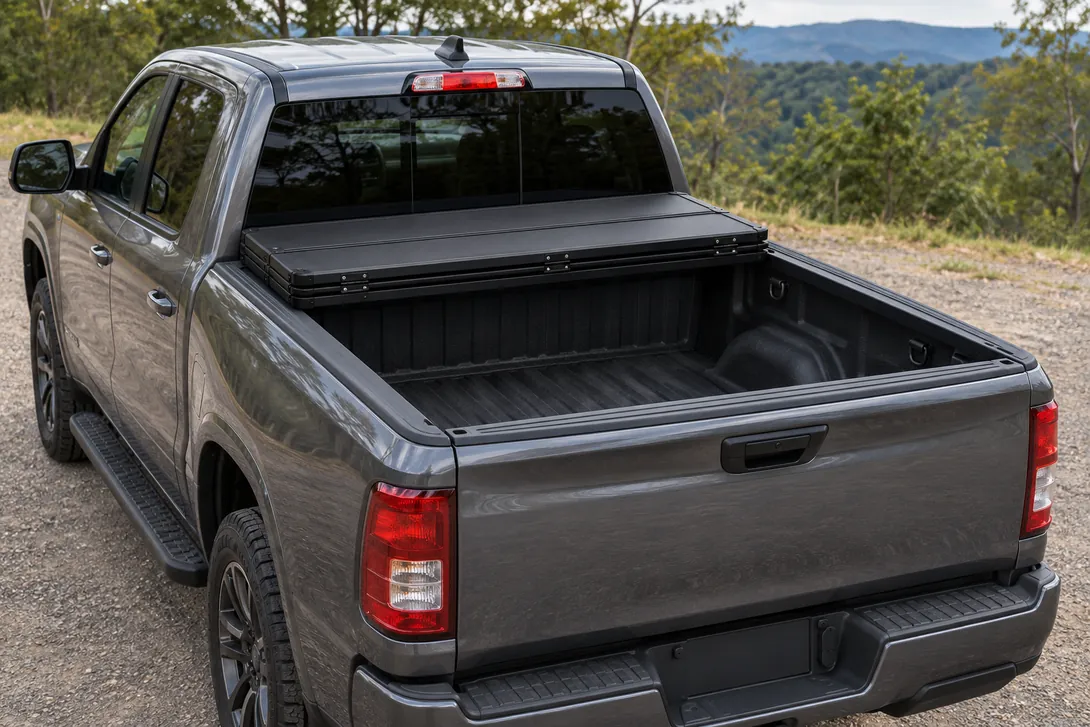
Identify the original FLEX
Original FLEX and Ultra FLEX share a folding layout. RealTruck’s comparison identifies a textured underside on FLEX and different finishing and equipment on Ultra FLEX. Inspect the lower face, serial label, prop supports and rail ends on any used kit.
Check the top, rails and missing parts
Match the FX application number to the truck’s bed and generation. A matching panel outline does not establish the latch rail position. If a seller only has the top, request the part number for the rails and compare the cost of the missing clamps and drain tubes.
Worked example
A fuel can carrier near a prop bracket
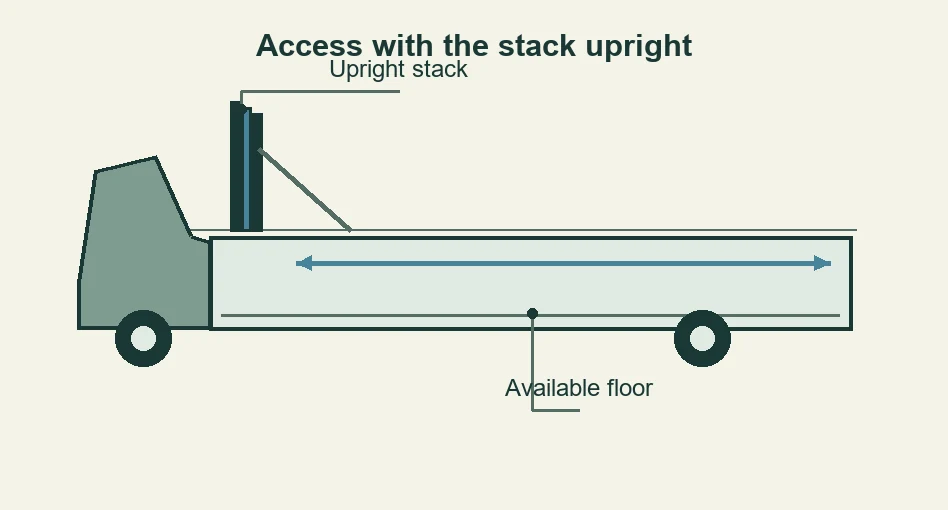
A carrier already occupies the front driver-side corner of your truck bed. For a parked trial, remove the can and compare the bracket’s position with the FLEX rail drawing for your truck. Slowly lift the panels and move each support into its documented position.
A carrier that clears the folded cover can still occupy the space your hand needs to secure the support. If you can seat and inspect both supports without touching the carrier, check the reverse sequence. If one is hidden or knocked aside, relocate the carrier or reconsider the layout before carrying a tall load.
- Check both front corners
- A passenger-side bracket can have different neighboring equipment.
- Save the FX number
- Use the application and rail drawing when replacing a support or clip.
Look above the front corners
Fold to the cab only in the manufacturer’s supported position. Look at what happens above the front corners when the cover is upright. A toolbox lid or rack foot can collide with a folding panel even where the bed floor looks empty.
- Measure or identify: Forward sweep of the folding panel.
- Decision check: Check the nearest toolbox lid, rack foot and rear window.
| Situation or option | What matters | What to check |
|---|---|---|
| Original FLEX | Rigid top and standard interior finish | Check underside texture and FX identifier |
| Ultra FLEX | Different interior finish and kit options | Read the exact generation and equipment list |
Compare FLEX, Ultra FLEX and Armor FLEX
Pick FLEX for its opening arrangement and check whether Ultra FLEX’s specific extras are useful on your application. For a wet front corner, trace a rail drain, bulkhead seal and bed opening separately before replacing an entire panel.