
Truck fit
Tesla Cybertruck Tonneau Covers
For a Cybertruck with the factory powered tonneau, start with the controls and guidance for that vehicle. Shopping for conventional pickup bed rails is rarely the first step when an installed cover stops or leaves an opening.
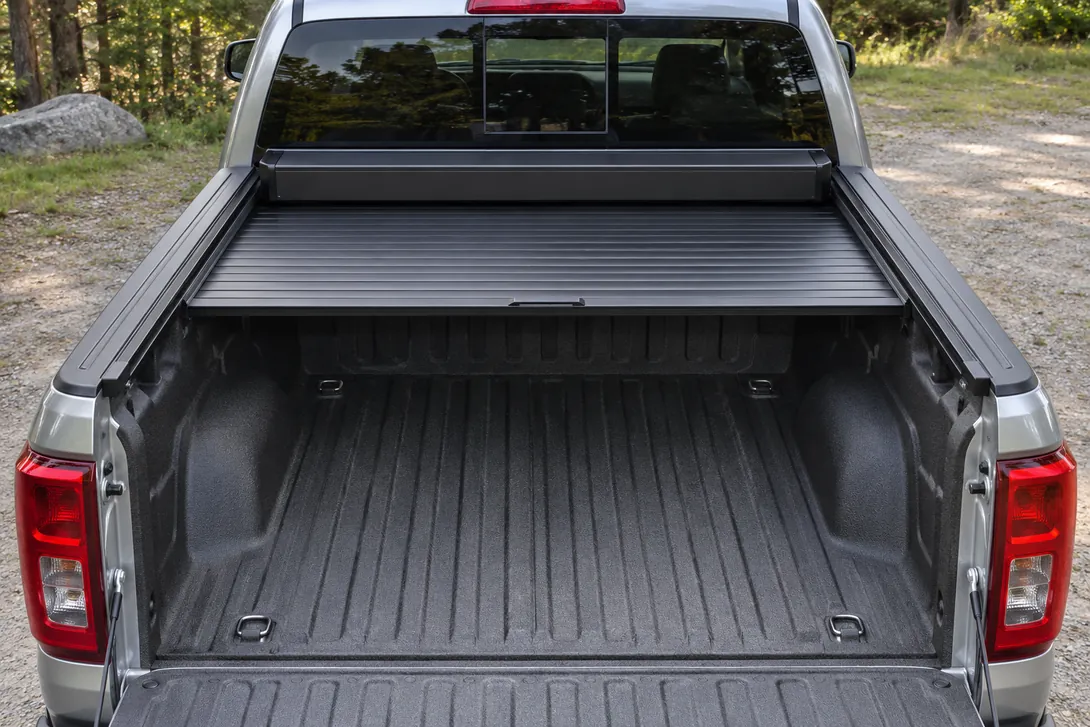
Find the controls for your truck
In Tesla's US owner's manual, open Cargo Bed and find the illustration of the tonneau open, tonneau close and tailgate controls. Compare the switches with your truck and check the on-screen controls. Tesla notes that some partial-opening behavior depends on equipment.
Open, stop and close the cover
While parked with the opening clear, Tesla describes a full press and release for travel and a second press to pause. On equipped trucks, light pressure gives partial movement until released. The touchscreen and mobile app also provide controls. Keep hands and loose items away from the moving cover and use the procedure in your current vehicle manual.
| Configuration | Fit or ownership decision |
|---|---|
| Want to pause the powered cover | With the truck parked, use the second press described for that exterior switch in the current manual. |
| Full press behaves differently than before | Consult Tesla's troubleshooting and calibration guidance for the observed behavior. |
| Cargo touches the slats or tracks | Clear the path before operating the cover and check the bed guidance for approved securing points. |
Worked example
Full travel stops, but the switch still responds
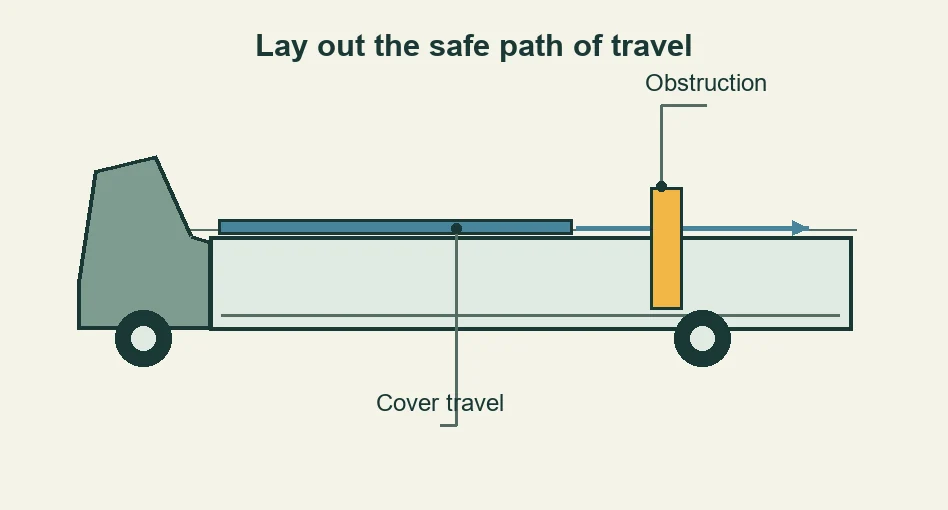
With the Cybertruck parked, remove loose cargo from the opening and look for an obvious obstruction without reaching into moving parts. Check the truck's current Cargo Bed instructions and note whether a full press behaves differently from the available partial-travel control.
If the mechanism moves with one input but no longer completes a full cycle, consult Tesla's troubleshooting or calibration guidance for that symptom. If there is an unusual noise, repeated binding or a warning that persists, record the position and message for service. Avoid forcing the cover or borrowing a cleaning procedure from an unrelated retractable design.
- Record the control used
- Distinguish the exterior switch, touchscreen and mobile app.
- Keep the load out of the path
- Account for straps and loose packaging as well as rigid cargo.
Care for the path of travel
Keep the top and the accessible tracks clear of dirt, snow and loose cargo before operating it. Follow Tesla's specific cleaning directions for the tracks and slats. Check the bed load and tie-down guidance separately before placing an object anywhere it could obstruct the mechanism.
If one-touch operation changes
Record which control you used, whether partial travel works and any touchscreen message. Tesla points owners to its troubleshooting and calibration instructions when full press-and-release operation fails. Follow the current manual for the exact condition, or contact Tesla service if it persists.