
Brand guide
DiamondBack Tonneau Covers
DiamondBack deserves a closer look if the top of the bed cover itself will carry equipment. What matters is the limit and loading method for the exact cover, the vehicle's remaining payload and how you will reach the gear underneath.
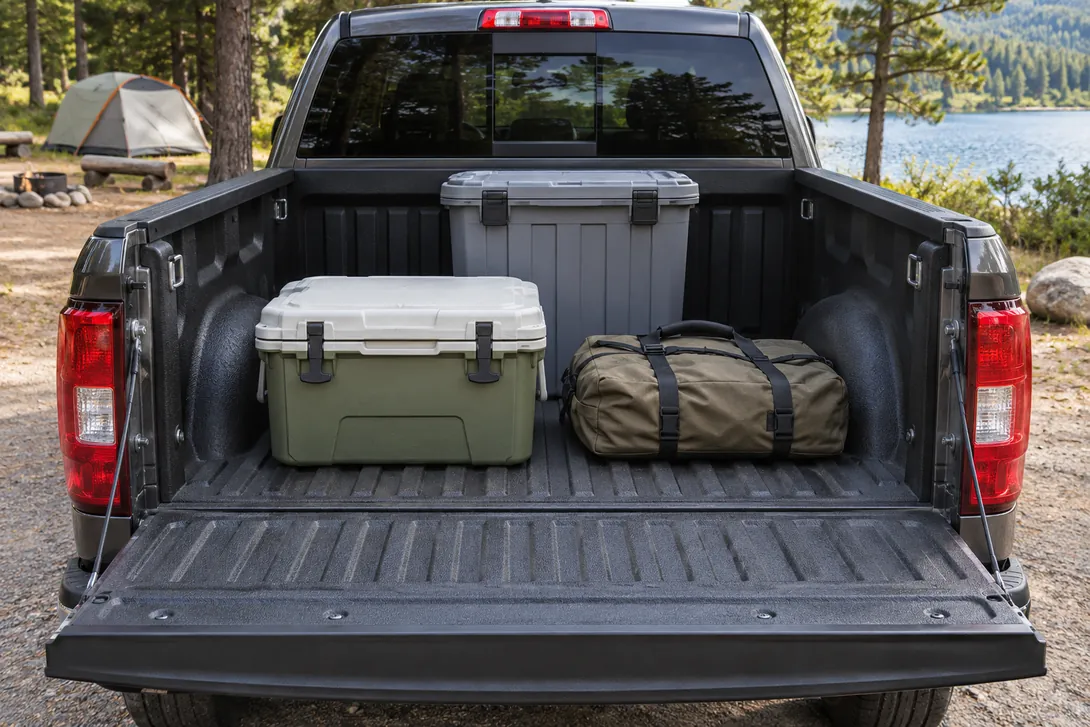
Identify the exact DiamondBack
Find the full designation, such as HD or SE, its serial identification and the installation instructions for your truck. Compare the panel and hatch arrangement with the maker's drawings. The brand name alone does not give you the capacity of an unlabelled used cover.
Interpret the HD specification carefully
DiamondBack advertises an upper hauling figure of 1,600 pounds for the HD. Read the model-specific loading, fastening and distribution instructions before using that figure. The truck's available payload and the ratings of restraints or accessories can set a lower limit.
| Your situation | What to check |
|---|---|
| Carrying a concentrated load | Ask how the weight must be distributed across the cover. |
| Keeping tools beneath a load | Decide which access panels must still open. |
| Comparing SE or Switchback | Use that model's own manual and capacity rather than copying the HD number. |
Confirm bed and mounting equipment
Select the exact pickup and actual bed length. Photograph any side bins, rail caps, liner or rack along the clamping surface. Ask about fit and the loading procedure for that specific installation before adding a carrier.
Worked example
A heavy machine has four small contact points
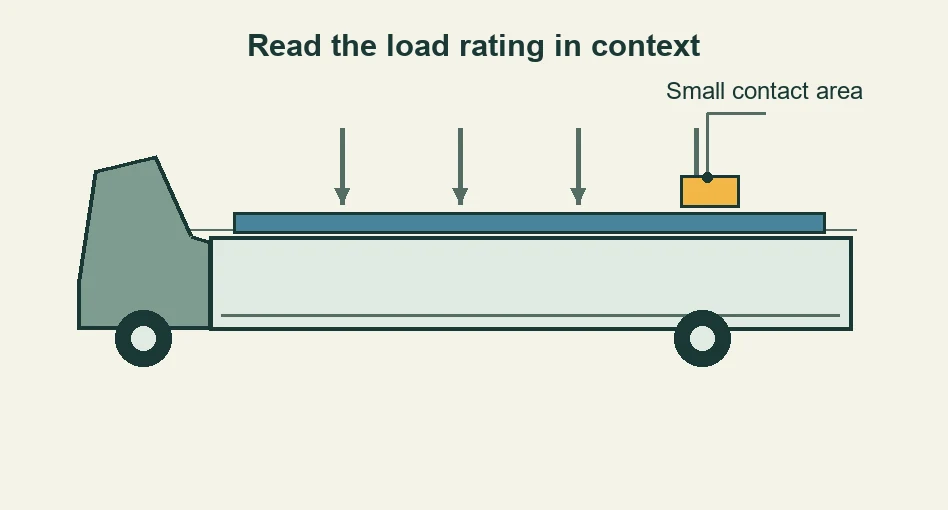
You know the machine's total weight and have read the DiamondBack HD's published upper hauling figure. Now sketch the machine's feet, their spacing and the strap attachment points. If the load concentrates most of its weight on small areas, ask DiamondBack about that specific distribution and the required supporting arrangement.
If the cover setup is acceptable, check the pickup's remaining payload with people, equipment and accessories aboard. If a loaded machine would sit across a hinged access panel, decide whether you can still reach the gear stored underneath. All three checks can change which setup works.
- Identify the actual model
- Use the HD figure only with its corresponding cover and instructions.
- Plan unloading
- Consider both the route off the cover and how the truck will be positioned.
Use the right manual for the hardware
DiamondBack separates installation guides and owner's manuals by family. Gather pictures of the hinge, latch rods and tie-down points before contacting support. Keep the cover serial number with records of any purchased hauling accessories.