
Model guide
DiamondBack HD Tonneau Cover Guide
DiamondBack HD is a two-ended hard cover designed for carrying cargo on top. It is most useful when you need a raised load platform and can leave clear swing room for the opening panels.
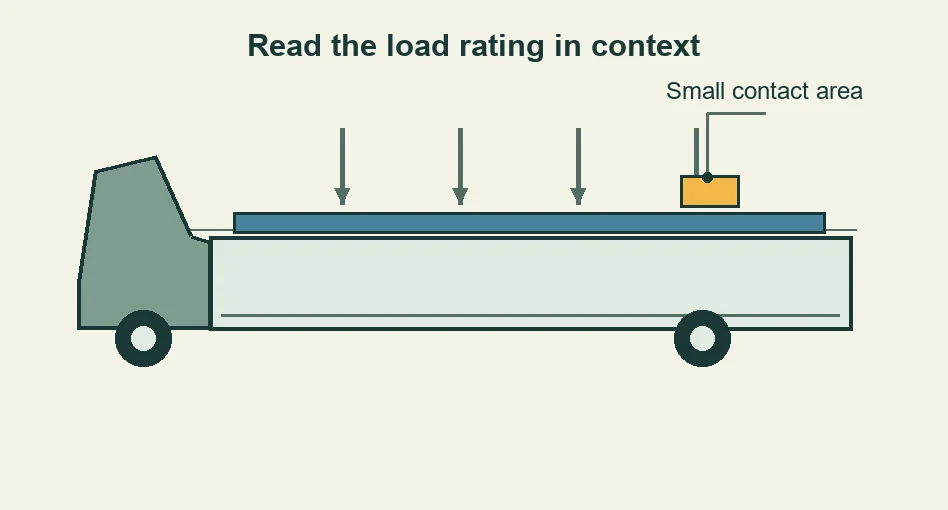
Know what the HD rating applies to
The HD platform has lifting panels and tie-down provisions. DiamondBack advertises up to 1,600 pounds on top for the HD under its specified loading conditions. The truck’s remaining payload, axle limits, mounting kit and distribution of weight can all lower what you can carry.
Choose the bed kit and cleat arrangement
Select the truck application and finish, then decide whether the cleats should arrive mounted or loose. Verify the approved tie-down arrangement for the load. A loose set requires a mounting decision and a single cleat does not inherit the complete cover’s published capacity.
Worked example
Camping gear above and food below
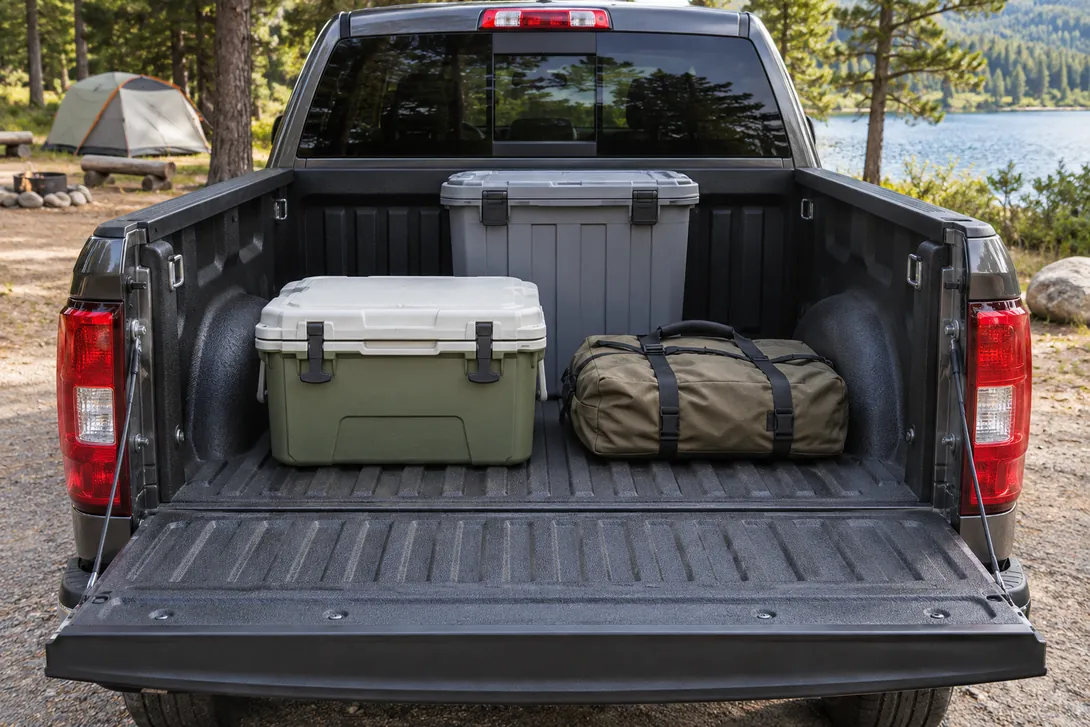
A camping box on the cover frees bed space for food and water. Place empty boxes first and use loose lengths of cord to show where the tie-downs would run.
With the vehicle parked, trace each line to its intended attachment and try the panel you expect to open at camp. If the food remains accessible without disturbing the mock load, confirm that the actual cargo, distribution and attachment method meet the published limits. If a strap crosses the opening panel or hides a lock, change the layout before departure or pack frequently needed items at the accessible end.
- Cleat configuration
- Check the order for installed or loose cleats before planning anchor locations.
- Vehicle limit
- Count the cover, payload and passengers against the truck’s own capacity.
Plan access after strapping down gear
Think through unloading before buying. Gear secured across an opening panel has to move before that panel can swing. Put frequently used tools under an end that you can open independently. Include passengers and everything already in the bed when working out available truck payload.
- Measure or identify: Weight and contact footprint of the complete top load.
- Decision check: Check both the HD installation limits and the truck’s available payload.
| Situation or option | What matters | What to check |
|---|---|---|
| Cargo on top | Documented cover and cleat limits | Include truck payload and distribution across supported areas |
| Cargo underneath | Panels need room to swing | Place daily-use tools under a panel you can still open |
Work out the applicable load limit
For bulky loads frequently crossing the panel seams, compare a separate rack or an open bed. For repeated loads on top, use DiamondBack’s loading instructions to choose support positions and securement. A cover rating is insufficient to select ramps, tie-downs or a vehicle payload allowance.